Manage your organization
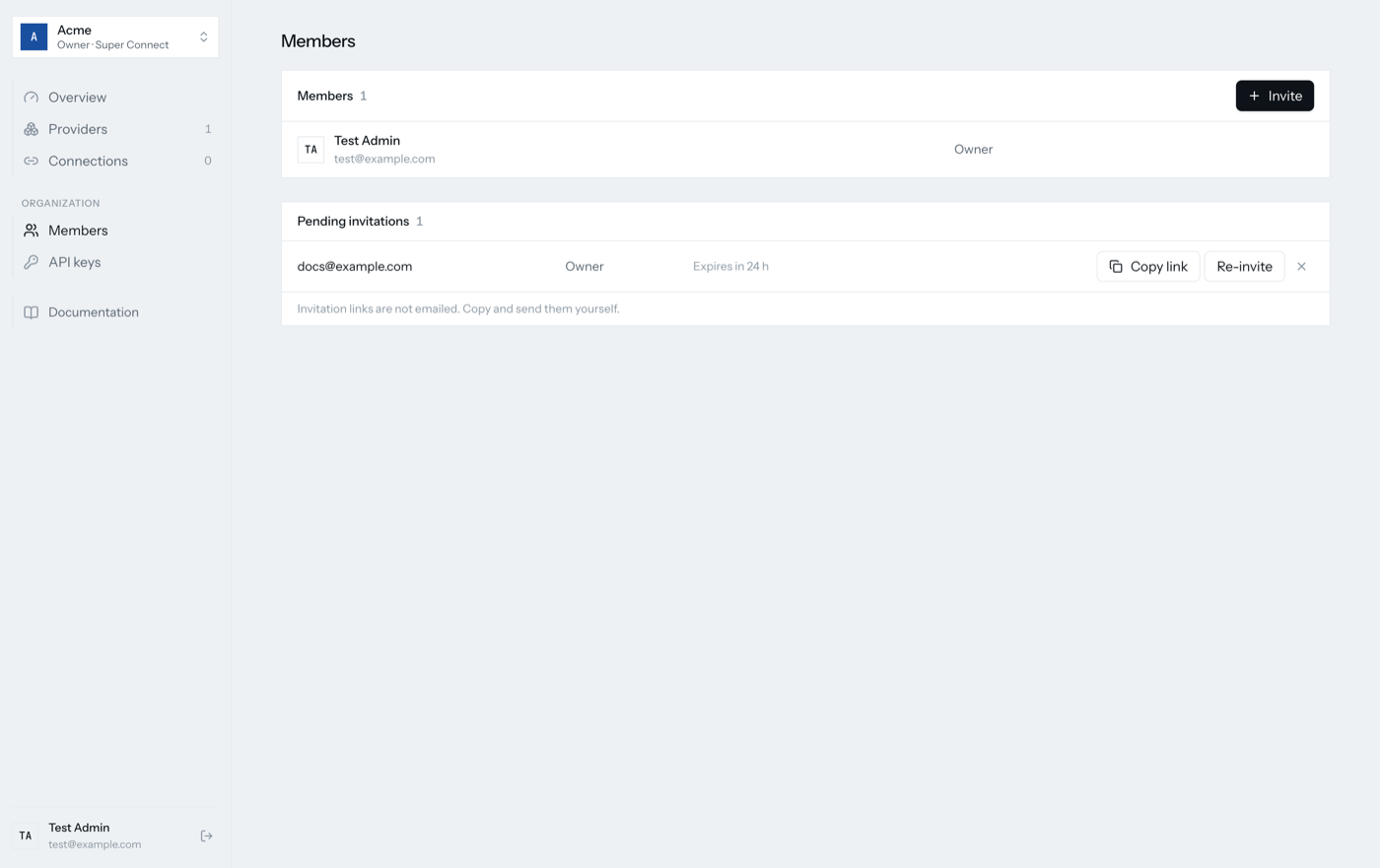
Invite teammates
- Organization → Members → Invite.
- Enter the email and pick a role.
- Copy the invitation link from the pending row and send it yourself. Invitations are not emailed.
The recipient opens the link, creates an account with the invited email, and joins with the role you chose. An invitation is what allows that email to sign up.
| Role | Can |
|---|---|
owner |
Everything, including inviting other owners |
admin |
Manage providers, connections, members and API keys |
member |
View and operate; cannot manage API keys |
API keys
Organization → API keys lists every key with its name and creation date.
A new key is shown once. Revoking a key takes effect immediately; requests
carrying it answer 401 from then on.
Create one key per system that talks to Super Connect, so revoking a compromised deployment does not take down the others.
Several organizations
One account can belong to several organizations. The switcher at the top of the sidebar changes which one you are working in, and offers to create another. Providers, connections and keys never cross that boundary.
Leaving
There is no self-service delete for an organization yet. Remove members and revoke keys, then contact the operator to remove the organization.